Sent is the history of your posts. Numbers refresh every hour for direct channels.
- 1
Step 1: Open Sent
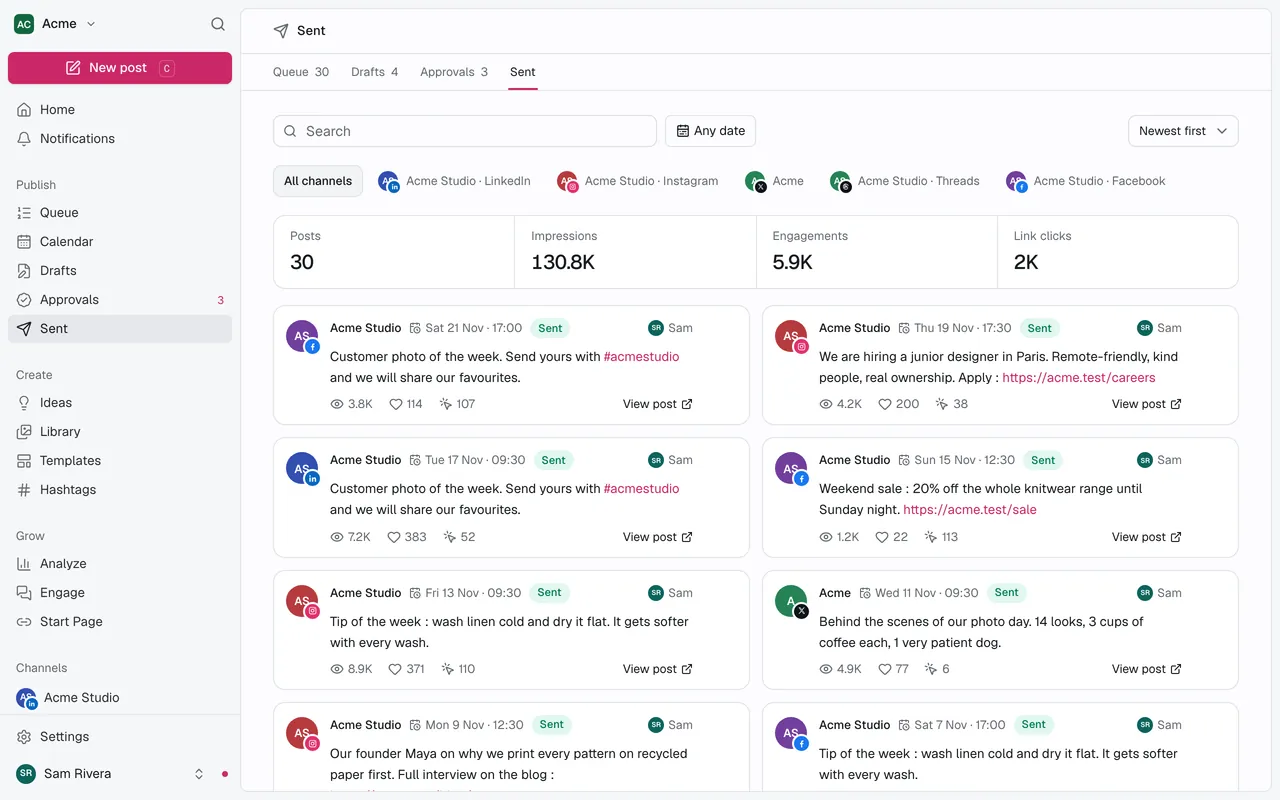
Click Sent. The totals at the top add up the posts below : posts, impressions, engagements and link clicks.
- 2
Step 2: Read one post
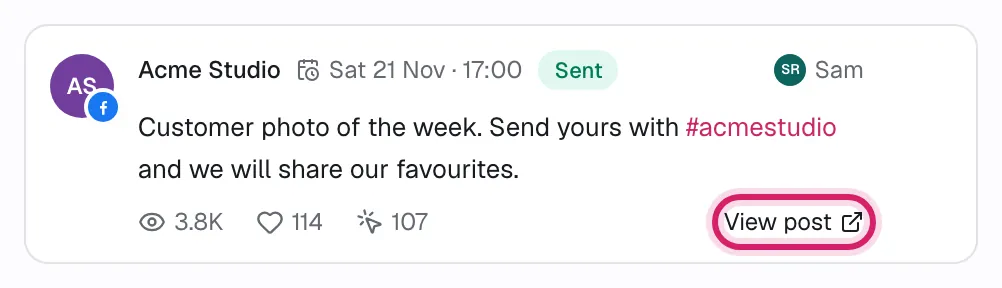
Each post shows its impressions, engagements and link clicks. Click View post to open it on the network.
- 3
Step 3: Filter and sort
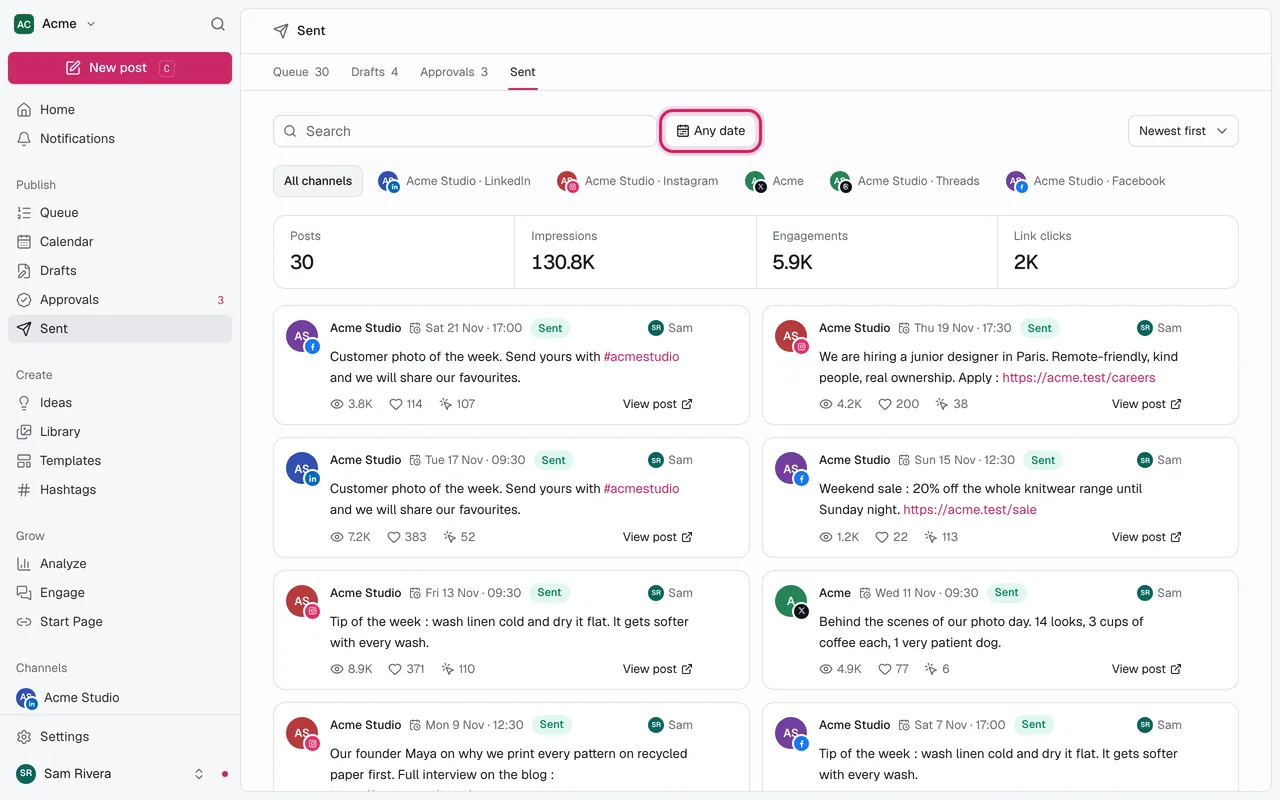
Pick a period in Any date, sort with Newest first, or click a channel to see its posts only.
More Analyze tutorials
All Analyze tutorialsAnalyze your results
Pick a period and read how your impressions, engagements, clicks and followers changed.
Beginner3 min3 stepsFind your best times and export a report
See when your posts do best, find your top posts and share a report.
Intermediate2 min3 steps