On some networks, links and hashtags do better in a comment. Sharelyne posts the first comment right after the post.
- 1
Step 1: Turn on the first comment
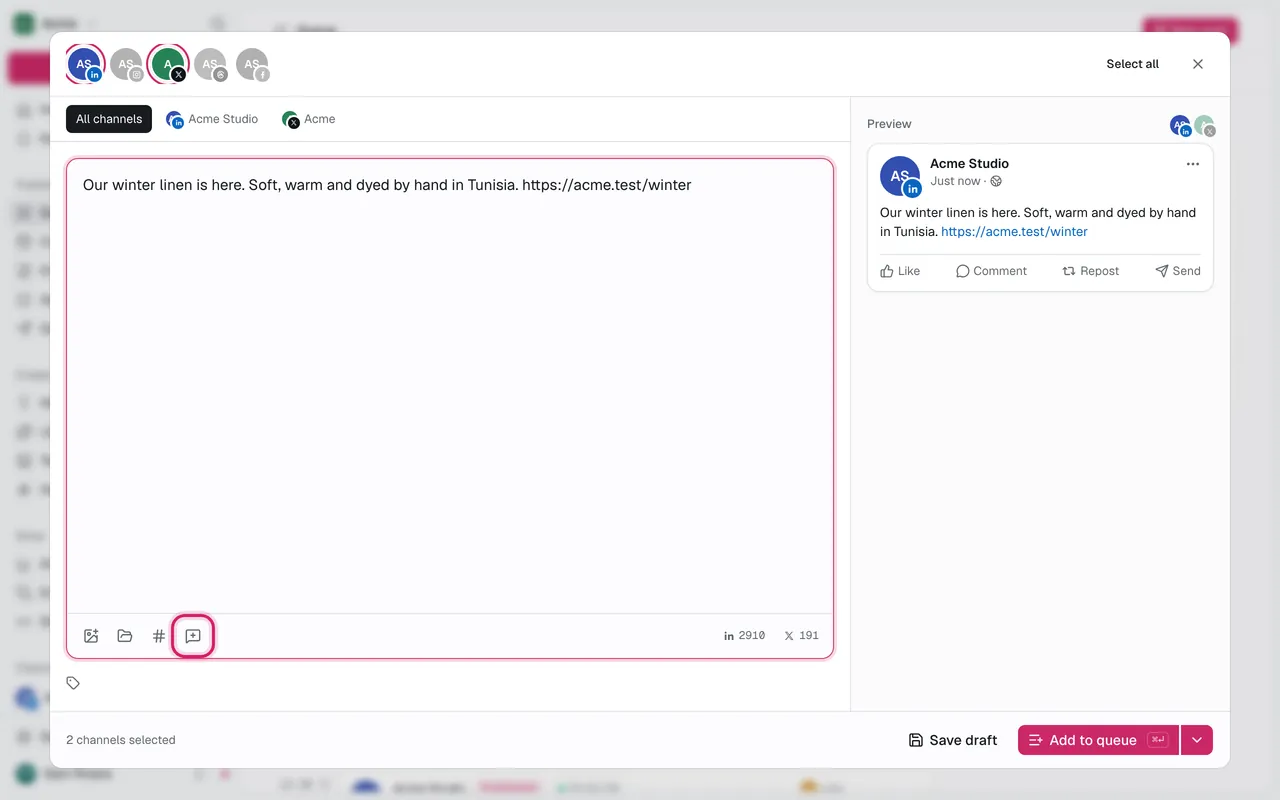
In the composer, click the comment button under the text.
- 2
Step 2: Write the comment
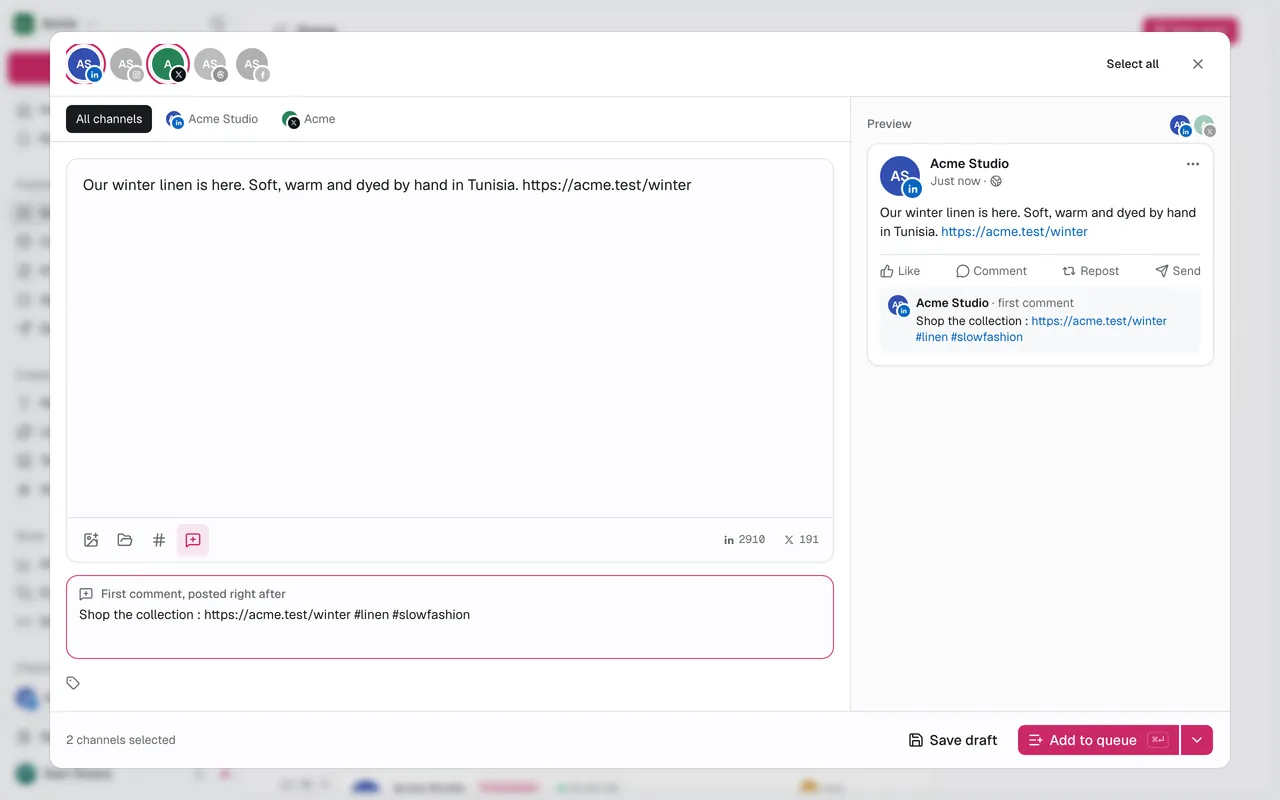
Type the comment in the box that opens. It goes out right after the post. For notify-me channels, the reminder shows it with a Copy comment button.
- 3
Step 3: Check your plan
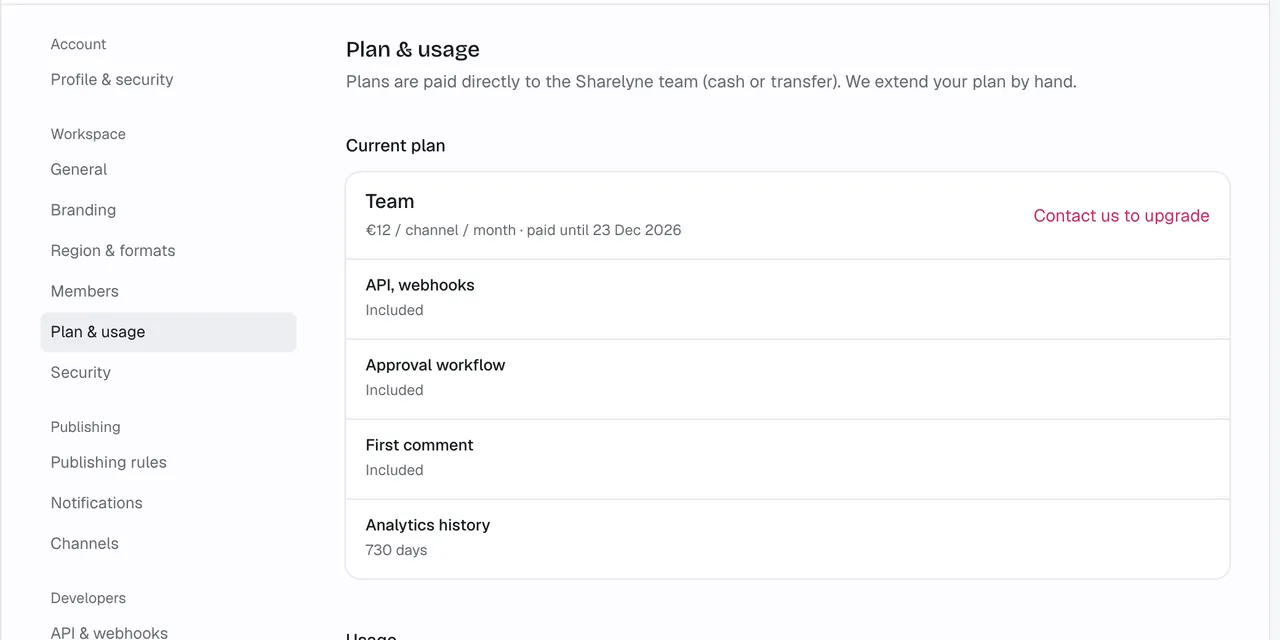
First comment is part of the paid plans. Settings › Plan & usage shows what your plan includes.
More Create tutorials
All Create tutorialsAdd images, a carousel or a video
Upload media or pick it from your library. Several images make a carousel.
Beginner2 min3 stepsWrite alt text for your images
Describe each image so people who use a screen reader know what it shows.
Beginner1 min3 stepsPlan with the ideas board
Write ideas down when they come, sort them in columns and turn them into posts.
Beginner3 min4 steps