Sharelyne is built for the keyboard. Four shortcuts cover most of your day.
- 1
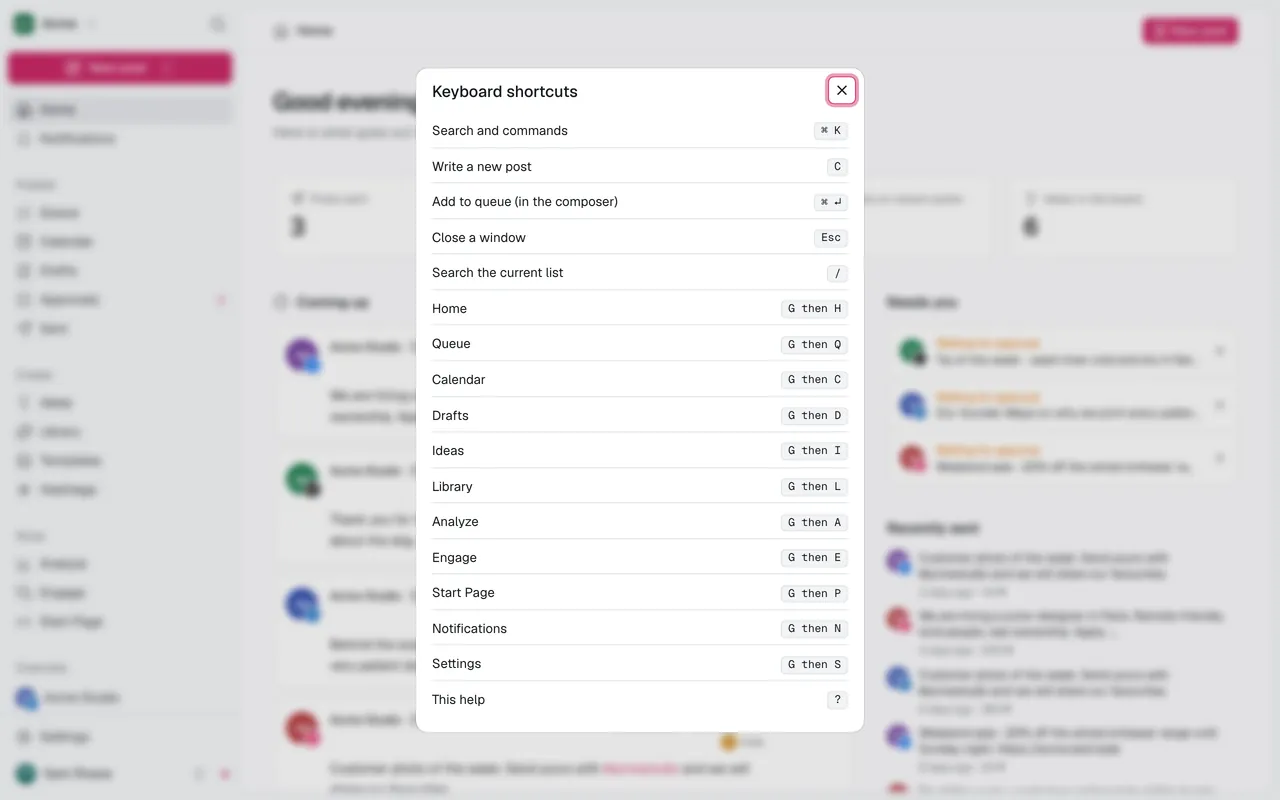
Step 1: See every shortcut
Press ? anywhere in the app. The list of shortcuts opens. Press Esc to close it.
- 2
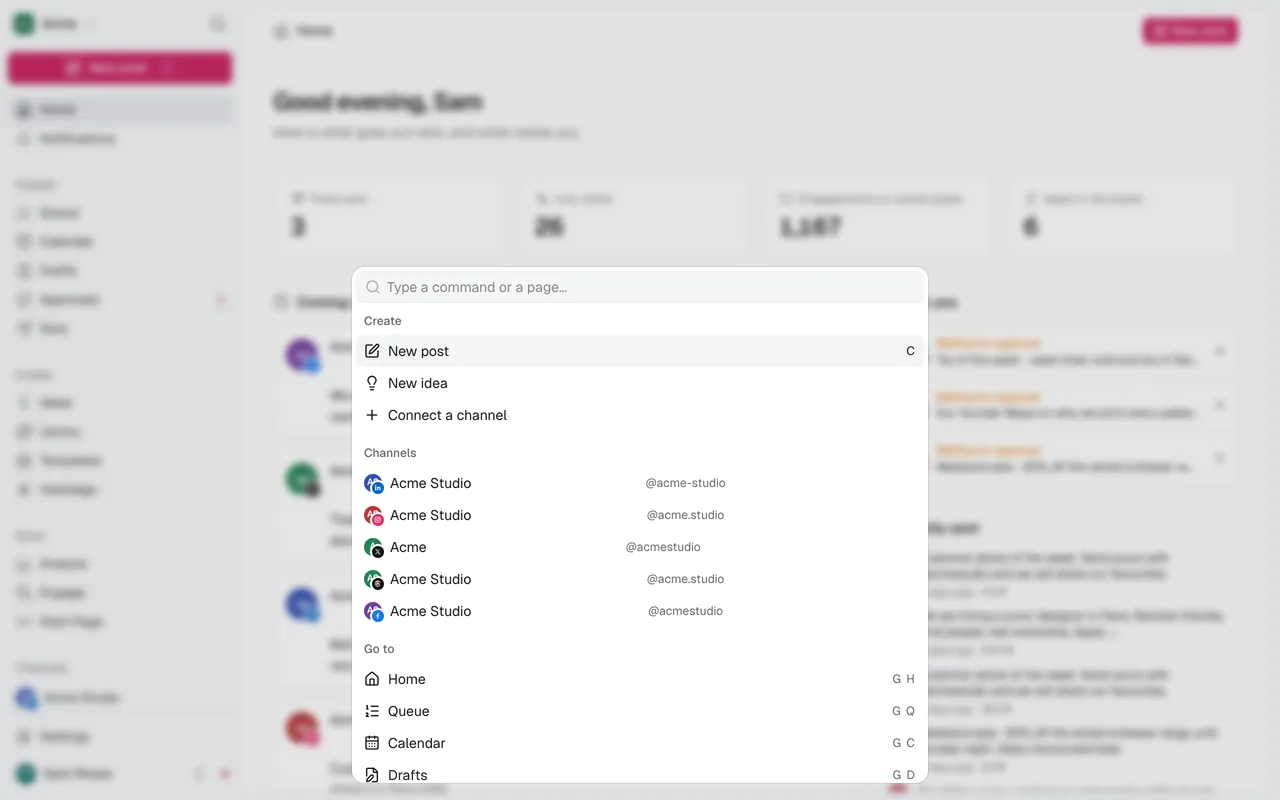
Step 2: Search and run commands
Press ⌘ K (Ctrl K on Windows). Type a page, a post or an action and press Enter.
- 3
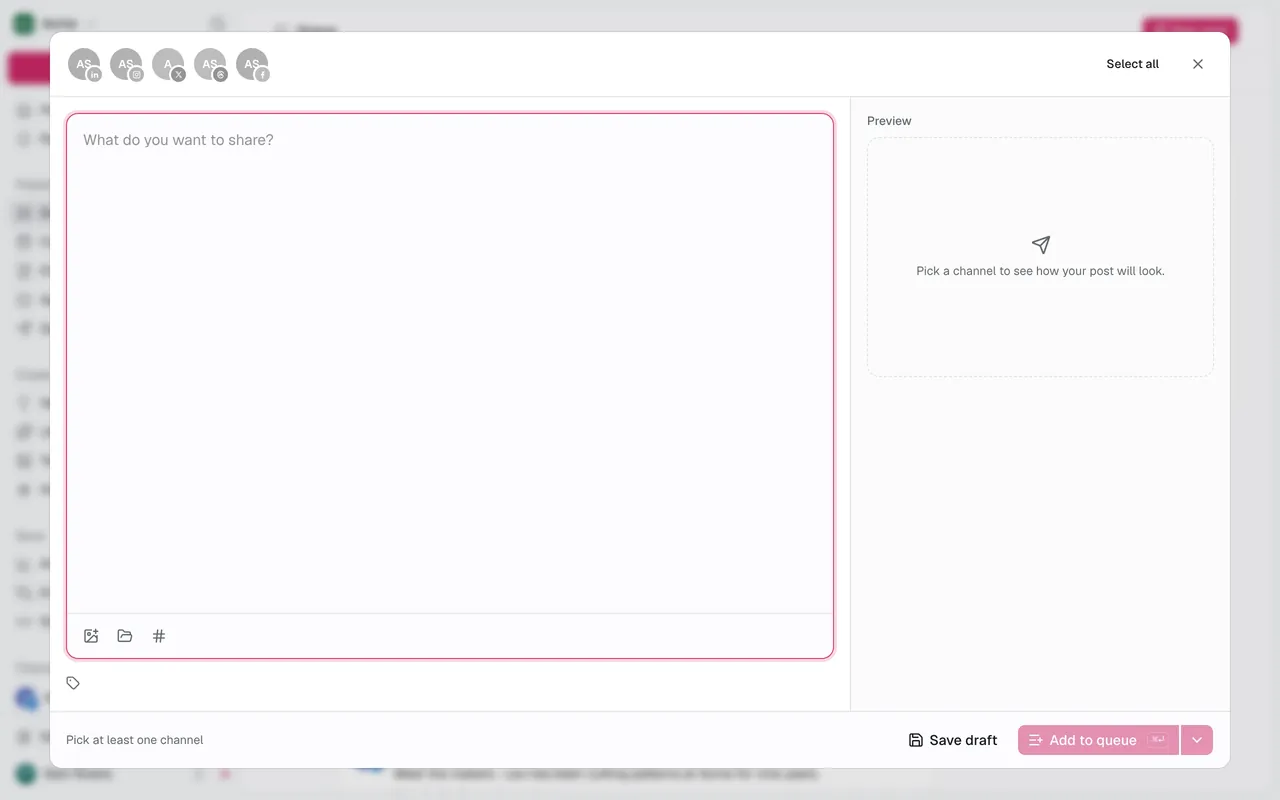
Step 3: Write a post
Press C to open the composer. In the composer, ⌘ ↵ adds the post to the queue.
- 4
Step 4: Jump between pages
Press G, then a letter : G Q for the queue, G C for the calendar, G A for Analyze. Some pages show their own keys at the top, like Engage.

More Get started tutorials
All Get started tutorialsCreate your account and workspace
Sign up, name your workspace and land on your home page in two minutes.
Beginner2 min4 stepsConnect a channel with direct posting
Link a social account so Sharelyne publishes for you at the right time.
Beginner3 min4 stepsAdd a notify-me channel
Plan posts for any network. Sharelyne reminds you on your phone and you post in one tap.
Beginner2 min4 steps