Sharelyne tells you when something needs you : a post to approve, a post that failed, a reminder to post by hand, a new comment.
- 1
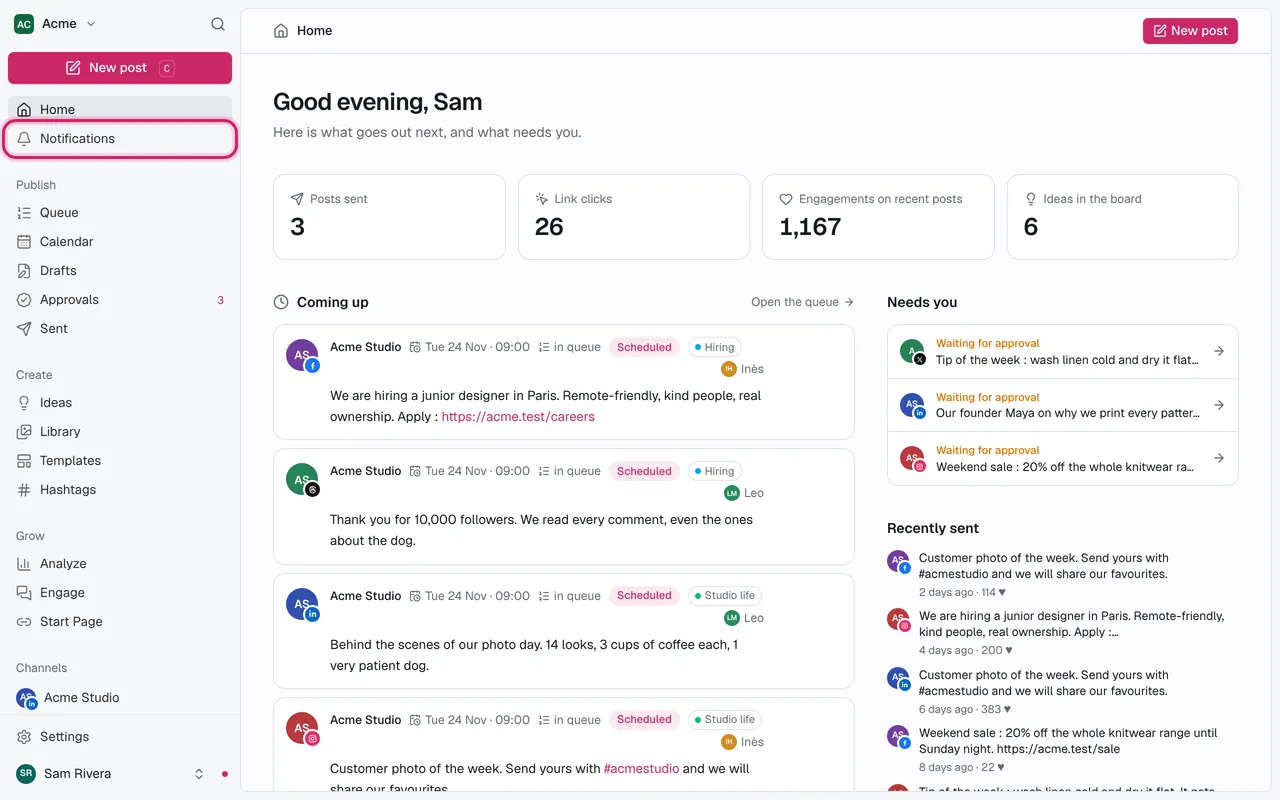
Step 1: Open Notifications
Click Notifications in the sidebar. A dot shows when something is new.
- 2
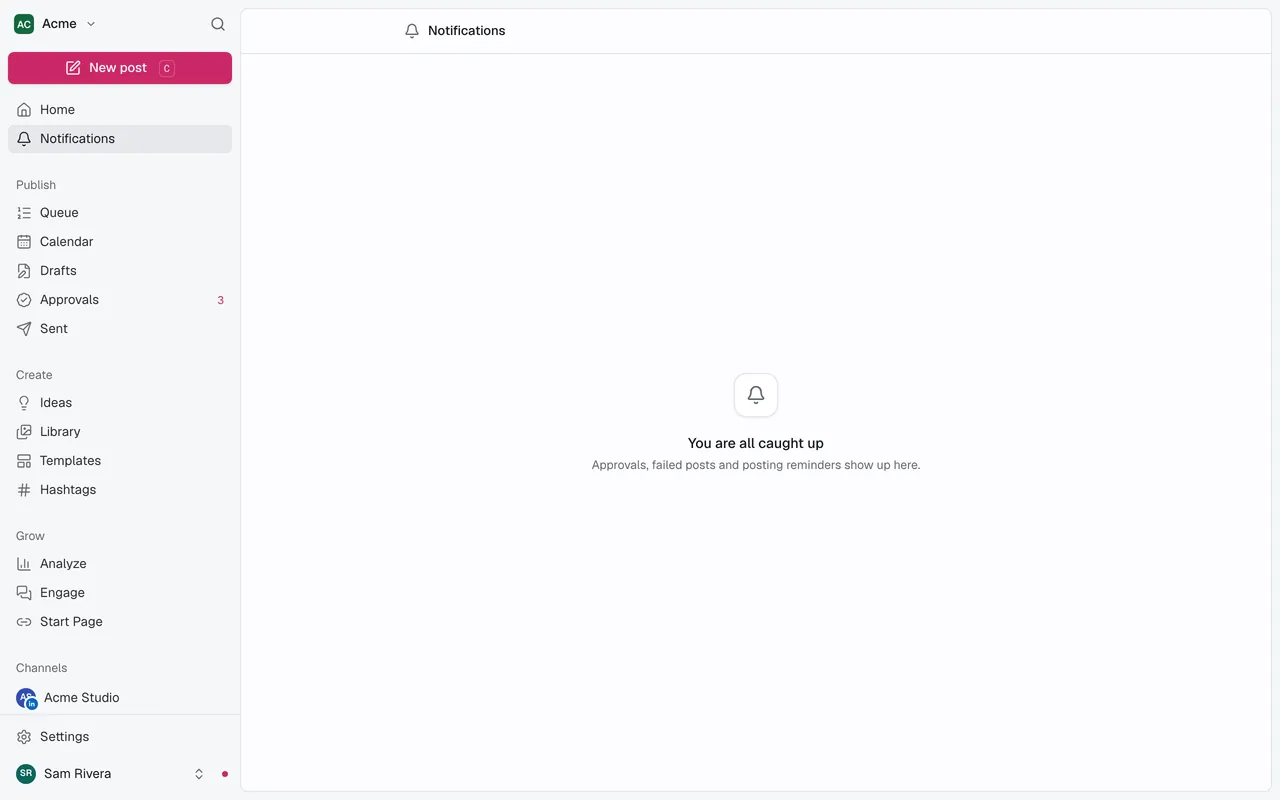
Step 2: Read and act
Each notification links to the post or page it is about. When the list is empty, you are all caught up.
- 3
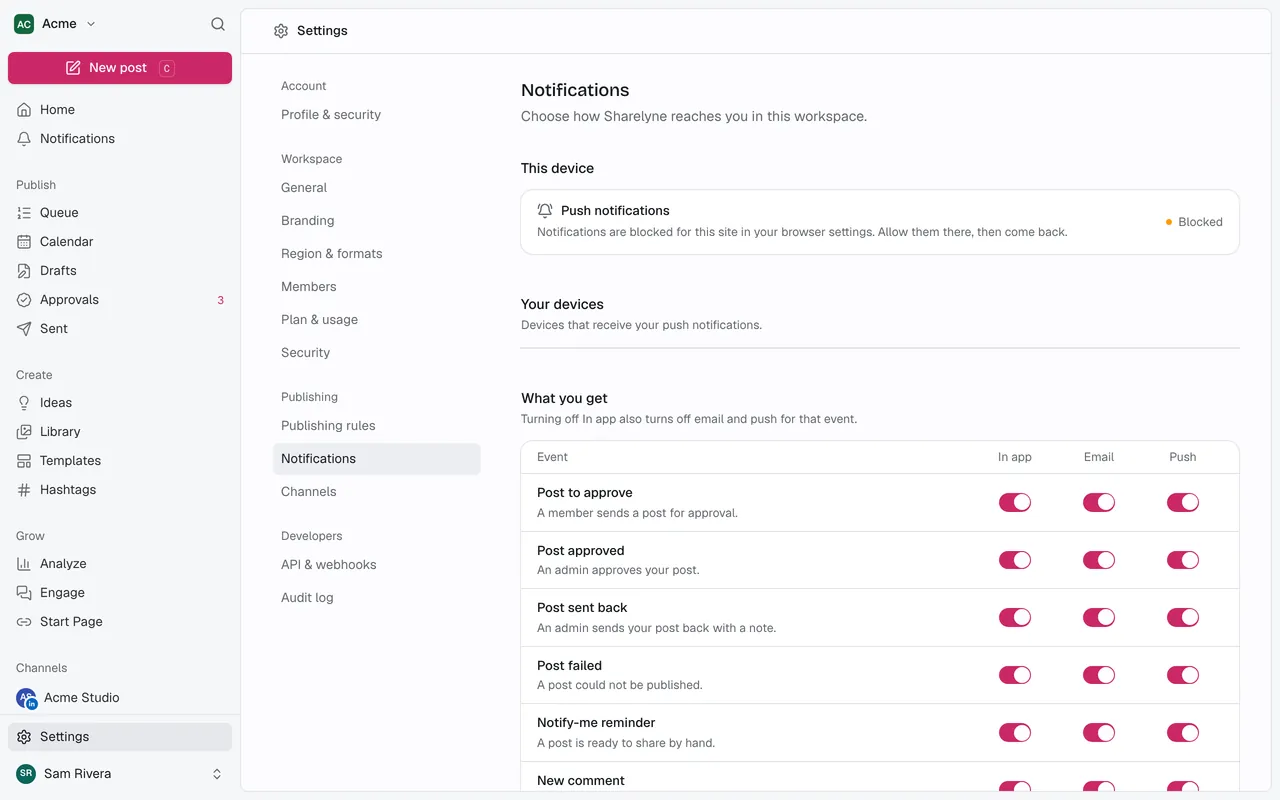
Step 3: Choose in app, email or push
In Settings › Notifications, pick for each event if you get it in the app, by email or as a push. Turning off In app also turns off email and push for that event.
More Get started tutorials
All Get started tutorialsCreate your account and workspace
Sign up, name your workspace and land on your home page in two minutes.
Beginner2 min4 stepsConnect a channel with direct posting
Link a social account so Sharelyne publishes for you at the right time.
Beginner3 min4 stepsAdd a notify-me channel
Plan posts for any network. Sharelyne reminds you on your phone and you post in one tap.
Beginner2 min4 steps