Sharelyne is billed per channel. Your plan sets how many channels, members and scheduled posts you can have.
- 1
Step 1: Read your plan
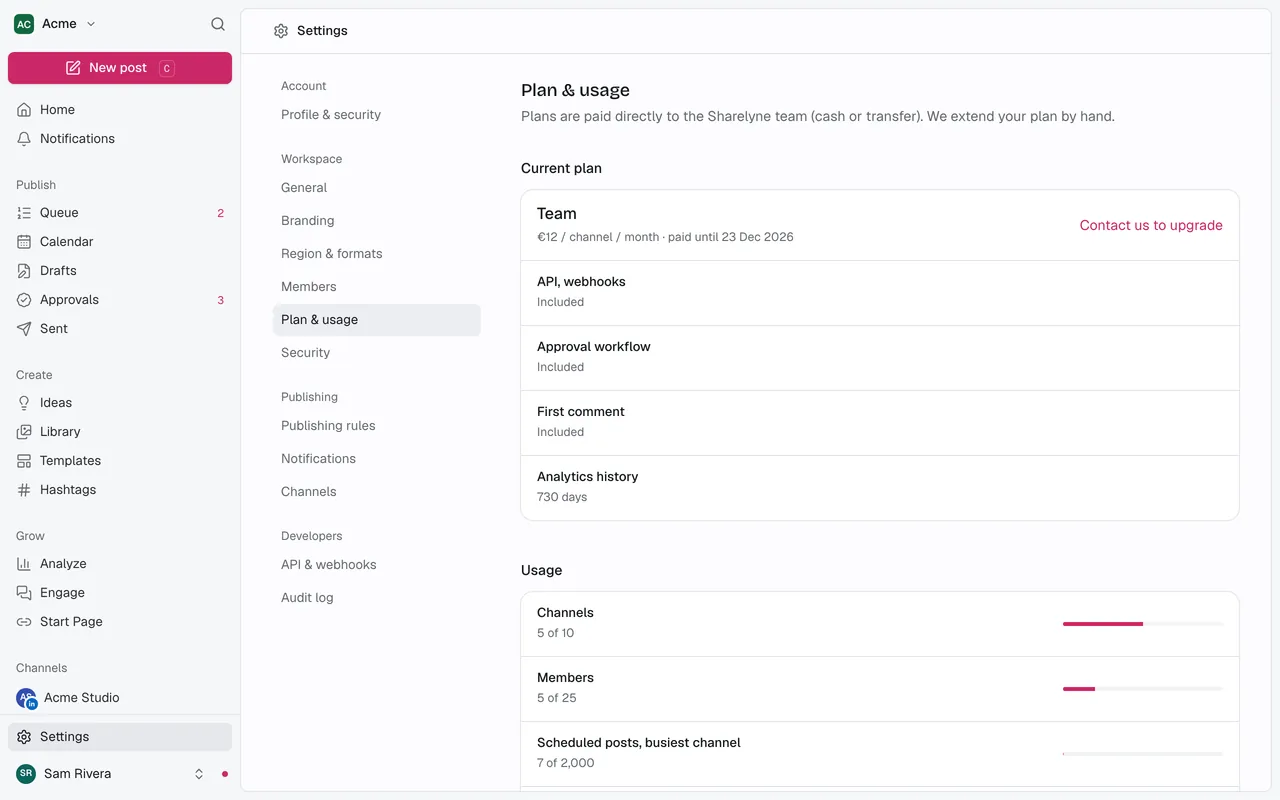
Go to Settings › Plan & usage. You see your plan, its price per channel and the date it is paid until, with the features it includes.
- 2
Step 2: Check your usage
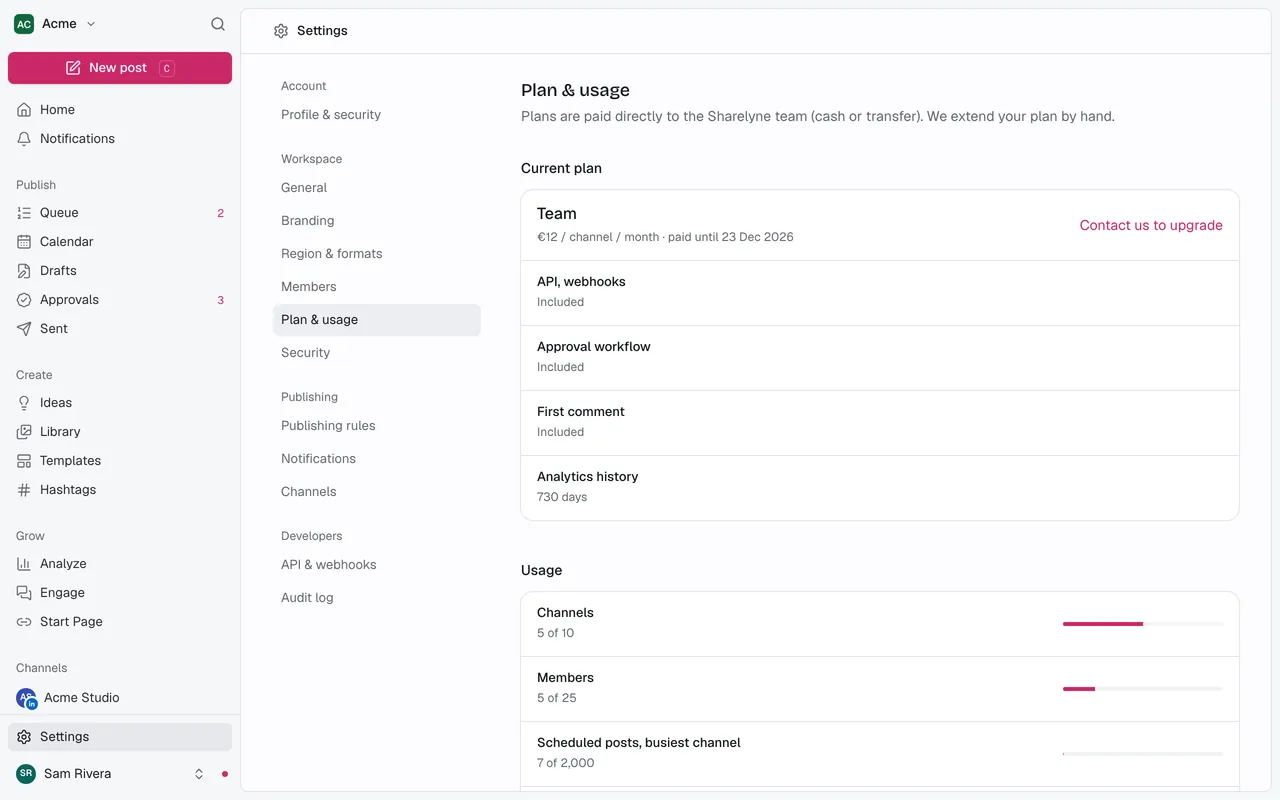
Usage shows channels, members, scheduled posts, ideas and storage against your limits.
- 3
Step 3: Upgrade and pay
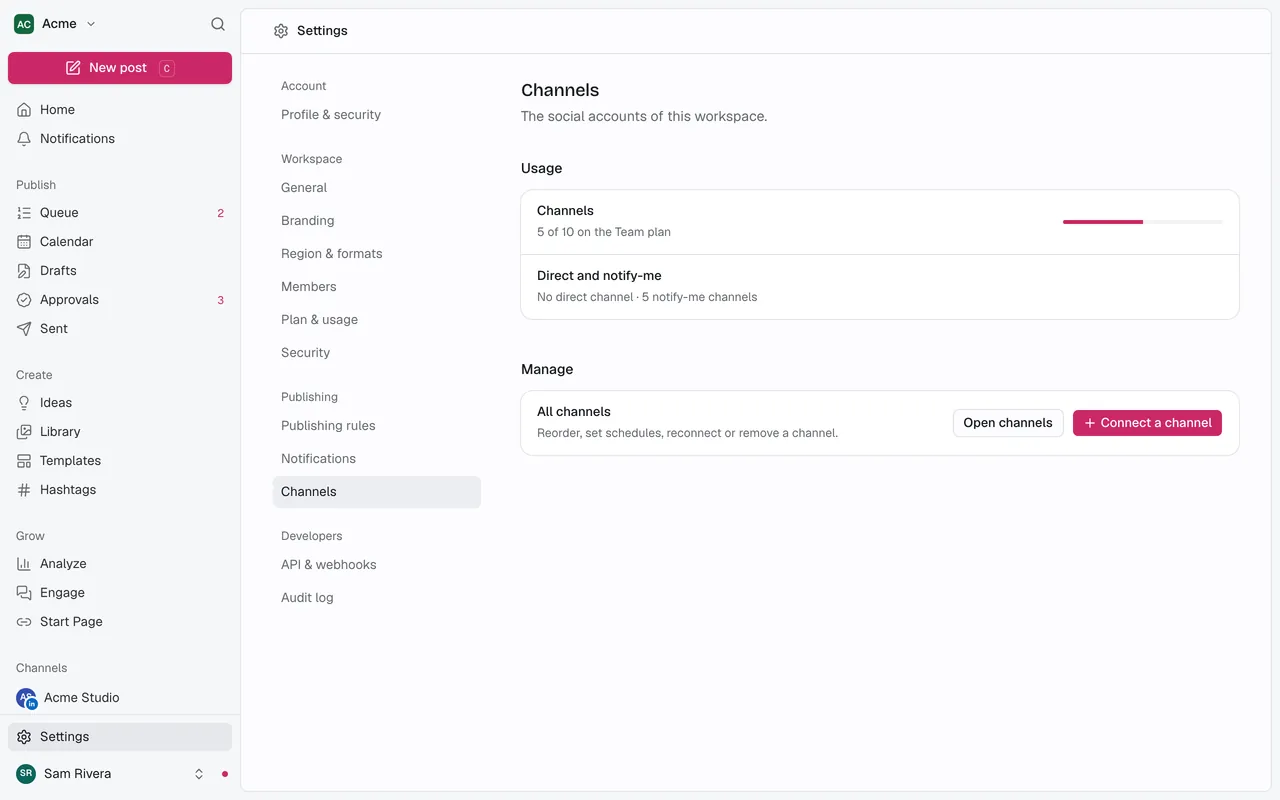
Click Contact us to upgrade. You pay the Sharelyne team directly, by cash or transfer, and we extend your plan. Settings › Channels shows how many channels you use.
More Team tutorials
All Team tutorialsInvite your team and set roles
Add people to your workspace and choose what each one can do.
Beginner2 min4 stepsTurn on approvals for your team
Make posts by members wait for an admin before they go out.
Intermediate2 min3 stepsSet up and brand your workspace
Name your workspace, add your logo and colour, and set its region.
Beginner2 min3 steps